
Key points
▶ Apple released iOS 27.0.1 on the 28th (local time), its first bug-fix update since iOS 27 launched two weeks ago. It followed through on its promise last week to fix the issue in an update early the following week.
▶ The update fixes a “panic-full” issue on the iPhone 18 Pro and Pro Max that caused the devices to restart unexpectedly when Face ID authentication failed. Locked apps could fail to authenticate, leaving the device frozen before it restarted.
▶ It also fixes an unresponsive touchscreen when Notification Center and Control Center are opened at the same time, as well as color distortion in 2x photos taken with the f/1.48 aperture under certain lighting conditions.
▶ The update is available under Settings → General → Software Update. It can be installed on all iPhones that support iOS 27, not just the iPhone 18 Pro.
▶ Apple also released iPadOS 27.0.1 and visionOS 27.0.1. iOS 26.7.1 and iPadOS 26.7.1 were also made available for devices that have not upgraded to iOS 27 or iPadOS 27.
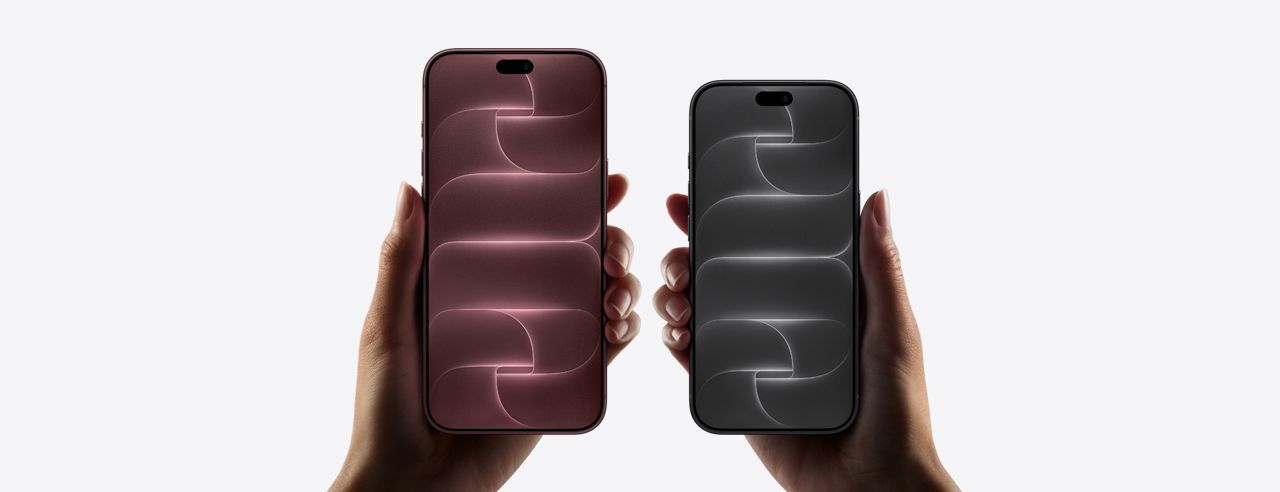
Apple has fixed an issue that caused the iPhone 18 Pro to shut down and restart when facial recognition failed. Apple released iOS 27.0.1 on the 28th (local time), according to media reports including MacRumors. It is the first bug-fix update since iOS 27 was released two weeks ago.
The update arrived early the following week, as promised
Reports of “panic-full” incidents began shortly after the iPhone 18 Pro series launched in South Korea on the 18th, with devices restarting after repeated Face ID authentication failures. On the 24th, Apple said it was aware that a failed Face ID authentication could cause a restart and promised to address the problem in an update early the following week. iOS 27.0.1 arrived four days later.
Apple’s release notes list three fixes: an issue that could cause the iPhone 18 Pro and Pro Max to restart unexpectedly when Face ID authentication failed; an issue that made the touchscreen unresponsive when Notification Center and Control Center were opened at the same time; and color distortion in 2x photos taken with the f/1.48 aperture under certain lighting conditions. Apple said the camera issue affected only a small number of devices.
Available for all iPhones
To install the update, go to Settings, then General, then Software Update. It is available for all iPhones that support iOS 27, not only the iPhone 18 Pro.
Apple also released iPadOS 27.0.1 for iPads and visionOS 27.0.1 for Vision Pro. iOS 26.7.1 and iPadOS 26.7.1 were also released for devices that have not upgraded to iOS 27 or iPadOS 27.
It remains to be seen whether users will continue to encounter problems after installing the update. Apple has not disclosed the cause of the restarts.