
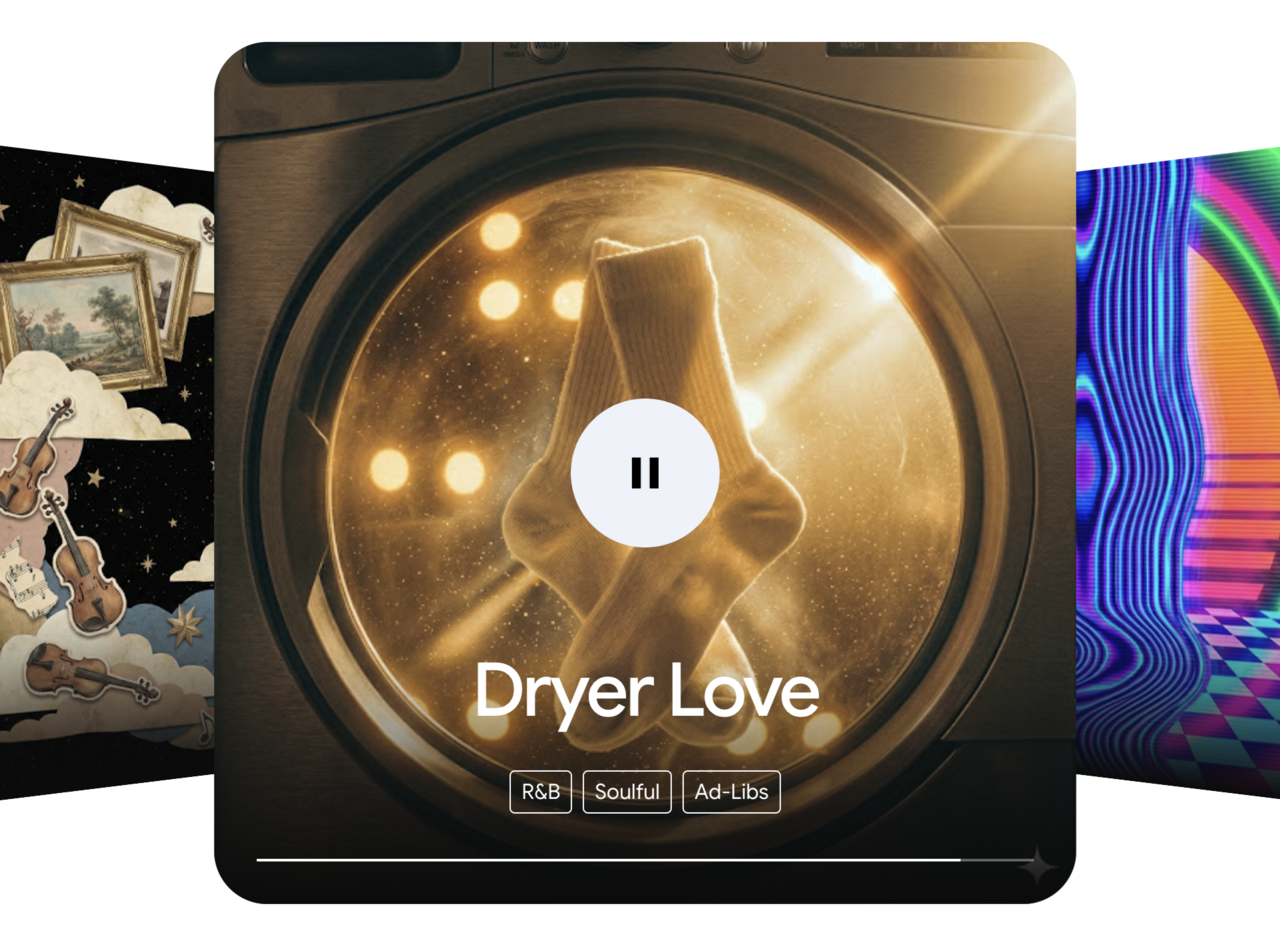
Google has added its music generation model Lyria 3.5 to the Gemini app. It was released on September 4 local time. Users can now create songs directly in the Gemini chat window without installing any separate program or signing up for anything additional. I tested it myself.
◆ A song came out from a single sentence
The “Make music” feature has been added to the “+” menu in the Gemini input box. Users can generate music by entering a prompt in the Gemini chat window without installing any separate software. (Photo = Gemini screen capture, Solution News reporter Koo Soo-dam)
When I pressed the “+” button on the left side of the Gemini input box, I found “Make music” below “Create image” and “Create video.” Selecting it revealed 24 templates on the screen. They are grouped by use case, including soundscapes, background music, intro music, brand jingles, ringtones, birthday songs, rap battles, team anthems, and even weather forecasts. There are separate buttons at the bottom for length, vocals, and genre.
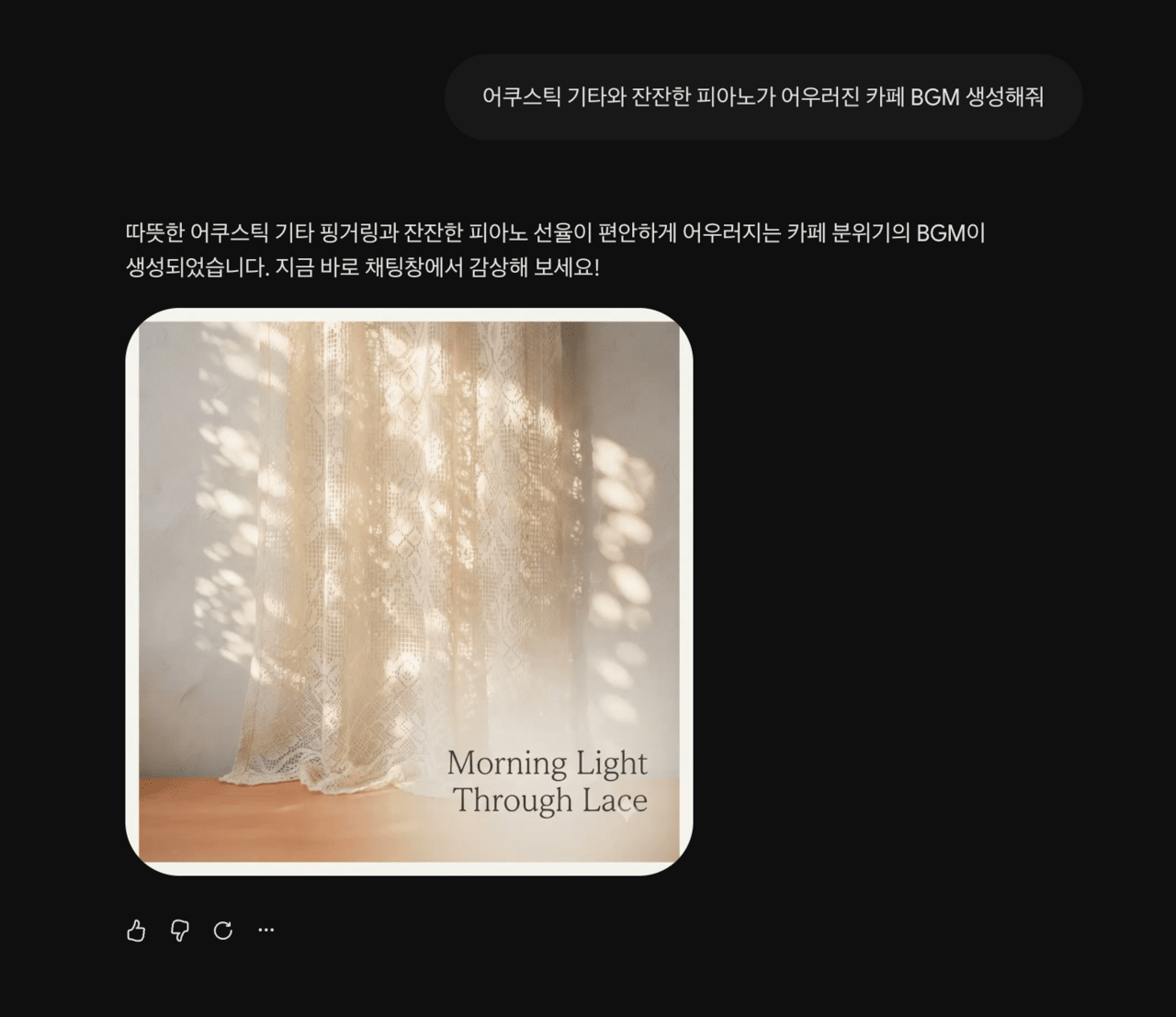
Instead of using a template, I typed a sentence into the chat window: “Create café BGM with acoustic guitar and gentle piano.”
The result was a single song. Along with the response, “A café-style BGM with warm acoustic guitar fingerpicking and soft piano melodies has been created,” Gemini produced a track. The song title was “Morning Light Through Lace.” It also generated an album cover image in the form of sunlight shining through lace curtains.
I did not separately request a title or cover image. They were generated together with the song.
◆ Adding lyrics changed the result
For the second test, I wrote a more detailed prompt. I specified the style as city pop and the tempo as 110 BPM. The instruments were listed as vintage electric piano (Rhodes), funky slap bass, a soft brass section, and an 80s drum machine. The vocals were specified as a warm, groovy female vocal.
I also divided the arrangement by section. I asked for an upbeat drum beat and electric piano riff in the intro, and a saxophone solo fade-out in the outro. I inserted lyrics I had written myself in Korean for the verses and chorus.
The resulting track was titled “Until Dawn Breaks.” The cover image came out as an illustration of a city nightscape with neon lights reflected on water. The phrase “neon lights scattering between buildings” from the lyrics was reflected in the image.
The song “Until Dawn Breaks,” generated with a prompt that specified genre, tempo, instruments, vocal style, arrangement, and Korean lyrics. A cover image reflecting the lyrics was created along with it. (Photo = Gemini screen capture, Solution News reporter Koo Soo-dam)
Even a single sentence is enough to produce a song. However, to get the desired result, you need to specify the genre, tempo, instruments, vocal gender, and section-by-section structure. That also means you need some familiarity with music terminology to write prompts properly.
Lyria 3.5 can also be used not only in the Gemini app, but also in Google Flow Music, AI Studio, and Google Biz. In Google Biz, it is available to AI Pro and Ultra paid subscribers. All tracks include a SynthID watermark. Google says it is not detectable by human ears and does not affect listening.
Prompts requesting a specific singer’s voice or copyrighted lyrics are blocked.
◆ How is it different from Suno?
The most widely used AI music generation service is Suno. Comparing the two services shows different strengths.
Gemini’s advantage is accessibility. If you already use Gemini, there is no need to sign up again. You can create music right in the chat window while doing document work. The fact that the song title and album cover are generated together also saves time for content creators. Its connection with Google Biz and Flow Music, video-editing tools, is another plus.
Suno’s advantage lies in post-production. Suno’s paid plans provide a stem feature that lets users split a finished song into separate tracks such as vocals, drums, and bass for download. Higher-tier plans also offer a timeline editor that can fix only a specific section’s melody or pronunciation. It also includes a feature to save frequently used combinations of vocals and styles. For users who want to refine a song they made into a finished audio file, the difference is significant. Songs created under the free plan cannot be used commercially, and rights are transferred to the user only starting from the paid plans.
The copyright situation also differs. In August, a German local court in Munich ruled in a lawsuit filed by the German music rights organization GEMA against Suno that copyright infringement had occurred. The court found that the six songs submitted by GEMA were reproduced in a form recoverable by the Suno model. Suno argued that the model does not store songs and only learns mathematical patterns, but the court did not accept that claim. The court said that the party selecting the training data and operating the model is Suno. The ruling is not yet final.
Google says it trained Lyria only on data for which it had usage rights. The IT media outlet The Decoder reported that Google made that explanation when it unveiled Lyria 3 Pro. However, it has not disclosed specific details about which data were actually used.
If you plan to create audio for commercial use, this is something you should check. If you intend to use it in practice, such as as YouTube background music or in-store BGM, you should first review the scope of rights in the terms of use.