
High-end 4K gaming, which renders 120 frames per second, puts a heavy load on the CPU, the brain of the PC. If heat exceeds the limit, the CPU automatically slows down, meaning even expensive parts cannot deliver their full performance.
To solve this, cooler manufacturers have introduced all-in-one liquid coolers that circulate coolant to move heat away. A 360mm radiator model with three fans can dissipate more heat than air cooling, keeping the CPU temperature below its limit even during 4K, 120fps gaming.
Liquid coolers move heat by circulating coolant, while air coolers disperse heat with metal heatsinks and fan airflow.
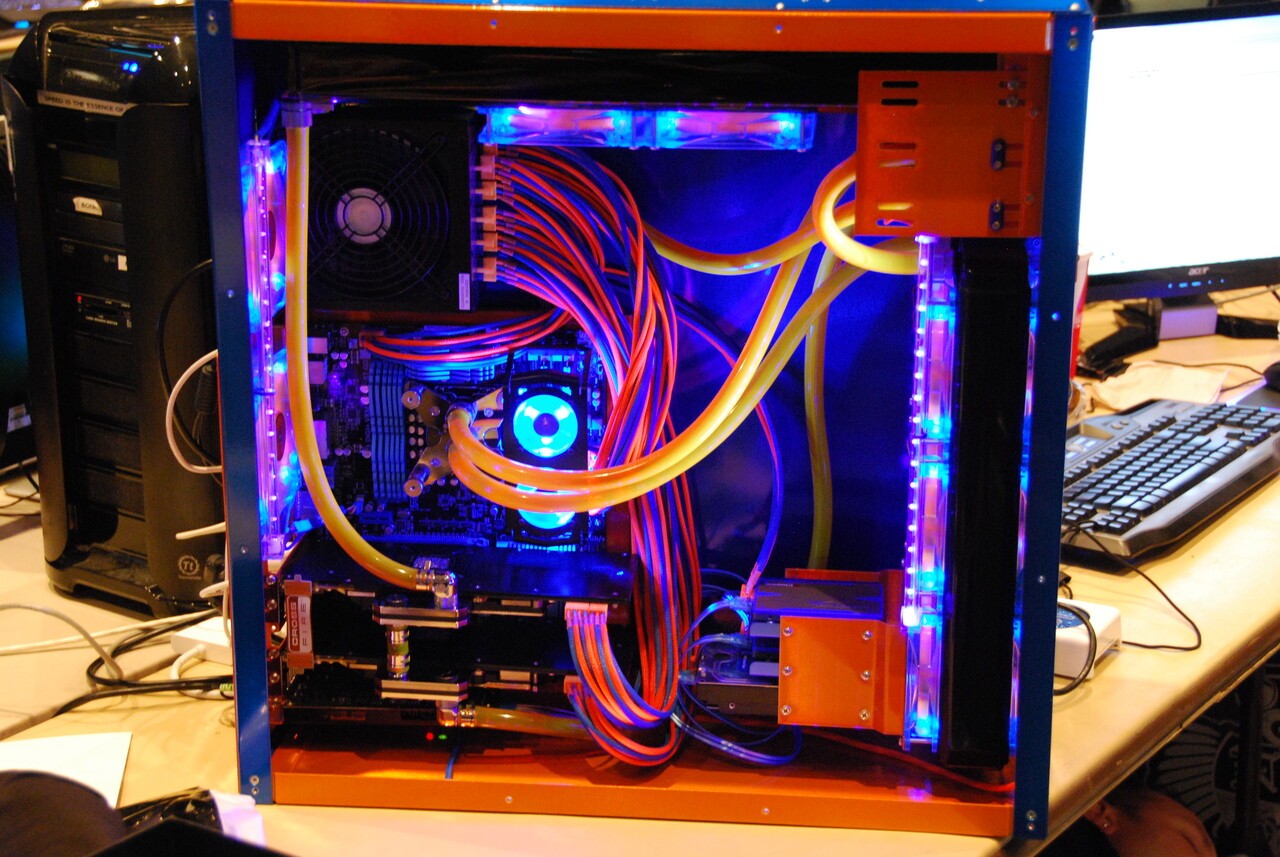
One of the biggest concerns when building a custom PC is the CPU cooler. Based on the lowest prices in Korea, an entry-level 240mm all-in-one liquid cooler costs in the 60,000 won range, while a 360mm model costs around 100,000 won. Premium models with displays can reach the 180,000 won range. Ultra-premium models even go as high as 500,000 to 700,000 won. With that same money, you could buy several air coolers, so it is worth asking whether liquid cooling is really worth the price.
Coolers are divided into two types: air cooling and liquid cooling. Either way, their role is the same: to move heat away from the CPU. The difference lies only in how the heat is transferred. Air coolers gather heat in a metal heatsink and disperse it with fan airflow. Liquid coolers circulate coolant to carry heat away, much like a car radiator.
◆ Coolant carries heat: how liquid cooling works
The structure of a liquid cooler is simpler than it may seem. On top of the CPU, a cream-like thermal paste is applied, and then a waterblock with a copper plate is placed over it. Heat from the CPU moves through the copper plate into the coolant.
The warmed coolant is pumped to the radiator. Fans attached to the radiator release the heat outside, and the cooled coolant then returns to the CPU. This circulation continues as long as the PC is on. Products that package all the components in one box are called all-in-one, or AIO, liquid coolers.
Cooling performance depends on the size of the radiator. Products with large 280mm or 360mm radiators can dissipate far more heat than air coolers. High-end models are also said to be so quiet they are barely louder than a whisper.
There are drawbacks as well. Installation is difficult for beginners because not only the pump but also the radiator must be fixed inside the case. Pumps wear out over time, and although the chance is low, coolant leaks can damage other components too.
◆ For most users, air cooling is enough
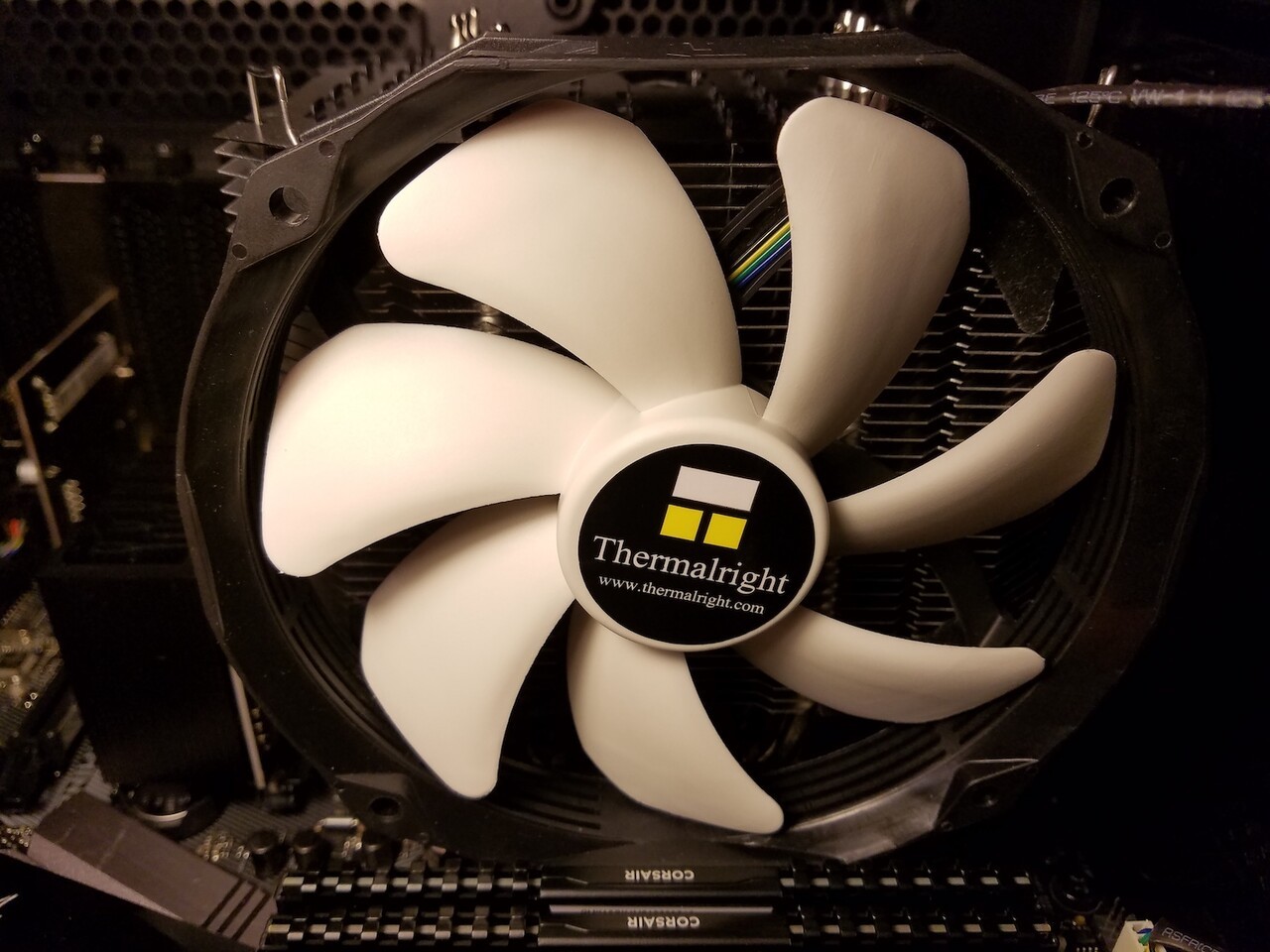
Air coolers are inexpensive and less prone to failure because of their simple structure. They are also easier to install and last longer than liquid coolers. Engadget concluded that unless you are using a top-tier CPU and graphics card, there is no real need for liquid cooling. For users with mid-range CPUs who play ordinary games, air cooling is the rational choice.
The cases where liquid cooling makes sense are clear: users with a high-end CPU who play ultra-high-definition 4K games, or those who care about interior aesthetics with transparent cases. In Korea’s custom PC market as well, a division has taken hold: liquid cooling for high-performance gaming PCs, and air cooling for office and mid-range PCs.
In short, there are two key criteria: how hot the CPU gets, and how much you can spend on cooling. When component prices are rising, saving on the cooler and upgrading the CPU or graphics card often helps more with perceived performance.